Best SMS Bulk Newsletter
Your WhatsApp number, renewals, tasks, and campaigns — now in OneBox
|
||||||||||
|
In this issue
|
||||||||||
|
01 Lead story Accounts getting restricted? Put the business on the official WhatsApp API.When a company number is carrying real customer volume, it belongs on the WhatsApp Business Platform — the official Cloud API. Best SMS Bulk connects that API to OneBox, so the same number your customers already know is answered by the whole team, from one inbox. |
||||||||||
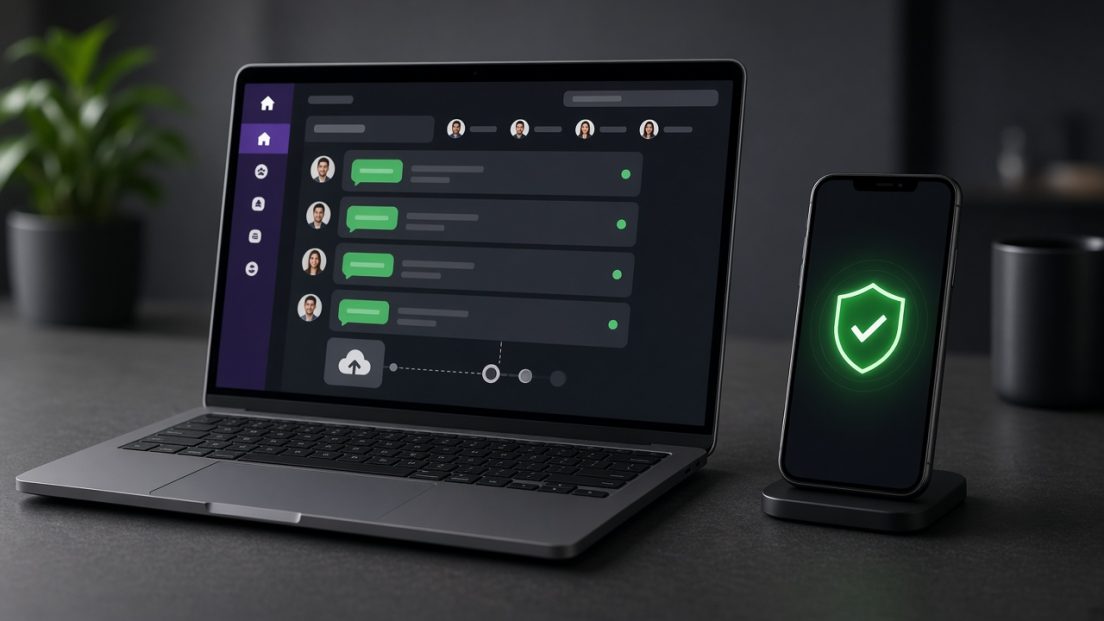
The official API keeps business messaging on the platform Meta built for companies. |
||||||||||
|
Best SMS Bulk is a Meta Business Partner. The platform gives you the Cloud API, approved message templates, and OneBox as the place the team works. Alerts, reminders, and campaigns leave through templates. Replies land in a shared inbox, with assignment, labels, and a record of the conversation. Chatbots and your own systems can sit on the same connection.
WhatsApp still expects opted-in contacts and a healthy quality rating. The API is the setup that matches those rules. A personal app, or an unofficial tool, is what usually puts a business number at risk. |
||||||||||
|
02 Now in OneBox Monthly and yearly subscriptions, with a reminder before each renewal.Gyms, clinics, retainers, memberships, service plans — if customers pay on a cycle, Renewals now lives inside OneBox. Add the customer, the plan, the amount, and a monthly or yearly cycle. OneBox sends a welcome on WhatsApp, then a reminder a few days before the next date. |
||||||||||
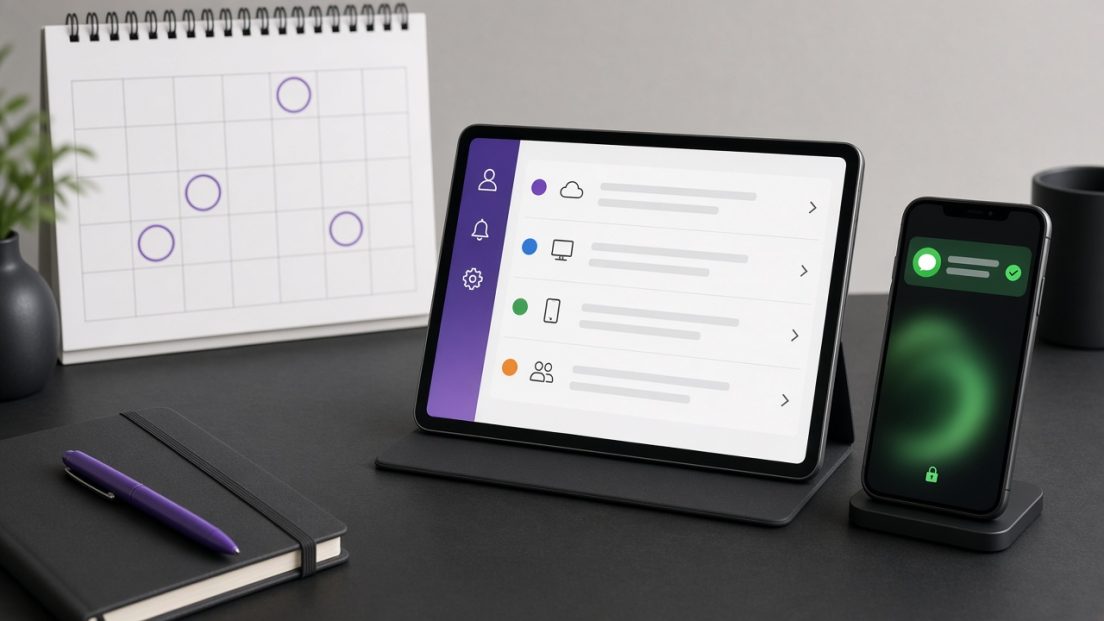
A calendar of renewals, and a message that reaches the customer before the date. |
||||||||||
|
||||||||||
|
03 Now in OneBox Tasks List — the follow-up stays next to the chat.Notes and checklists are part of OneBox. Open Tasks List from the inbox, write the work down, and tick it off. A task stays private until you share it. Hand one note to a colleague, or share a whole list, when a follow-up needs more than one person. |
||||||||||
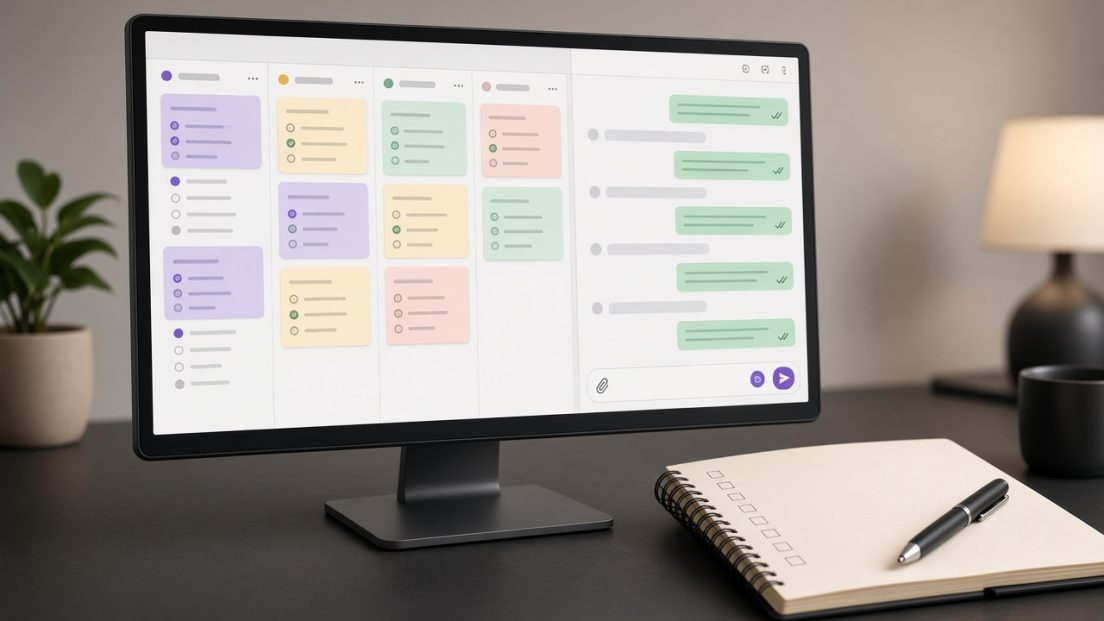
Checklists on one side, the customer conversation on the other. |
||||||||||
|
From any customer message, choose Add to Tasks List. The note is titled with the customer\'s name and number, so the promise you made in chat is still there after the thread moves on. Pin it, color it, or file it under a category. |
||||||||||
|
04 Now in OneBox Bulk SMS and bulk WhatsApp, sent from the same inbox.Campaigns have moved into OneBox. Send WhatsApp and Send SMS each follow the same four steps: choose when to send, write the message, add the recipients, then review and send. Schedule it, or send it now, without leaving the place the team already answers customers. |
||||||||||

One desk for both channels: WhatsApp on the left, SMS on the right. |
||||||||||
|
05 Take it with you BSB OneBox is on Android.The inbox, the tasks, and the campaigns travel with the team. Download BSB OneBox from Google Play — scan the code with the phone camera, or tap the button. |
||||||||||
|
||||||||||
|
||||||||||
|
Open the inbox. Move the number onto the API. Questions about the WhatsApp API, renewals, or the Android app — message us. Open OneBox Chat on WhatsApp |
||||||||||
|
Best SMS Bulk · BSB OneBox WhatsApp API | Help Center | Android app |